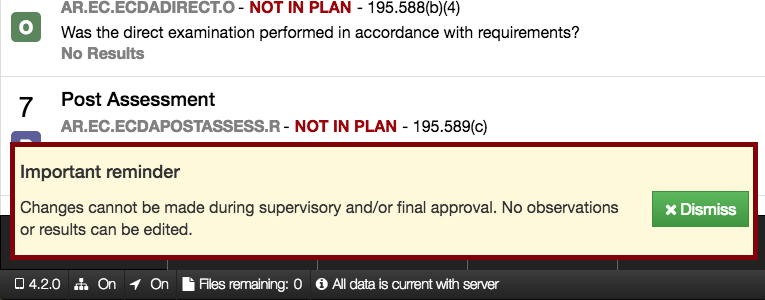
This release adds support for opening a wider range of inspections in IA Mobile. After these new inspections are loaded, a warning will pop up at the bottom of the screen to let you know that the app has gone into read-only mode. Here are the new inspection dispositions and their warning messages:
- When workflow v2 is being used, inspections that have a pending or accepted supervisory approval task, or where the finalization has been requested, can be opened in this new read-only mode
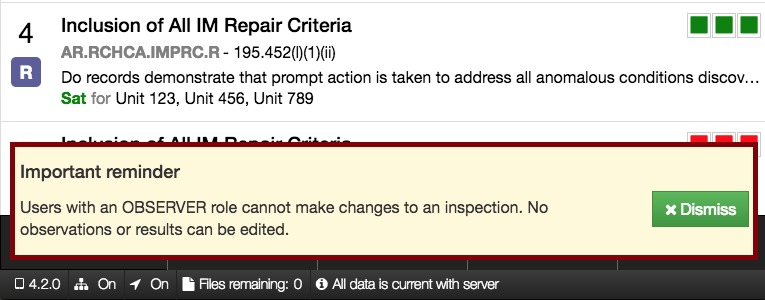
- Users that have an observer or assignee role in an inspection can open the inspection and view it
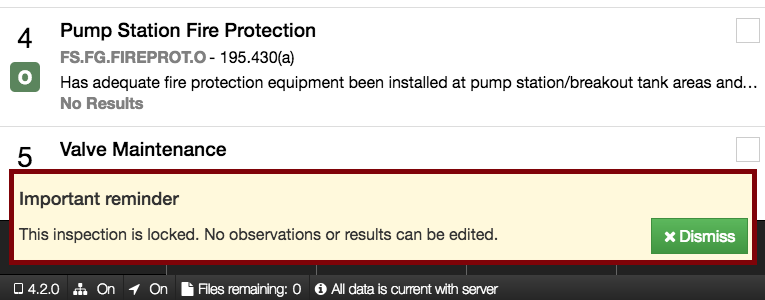
- Inspections that are locked (workflow v1) or finalized (workflow v2) can be opened for viewing
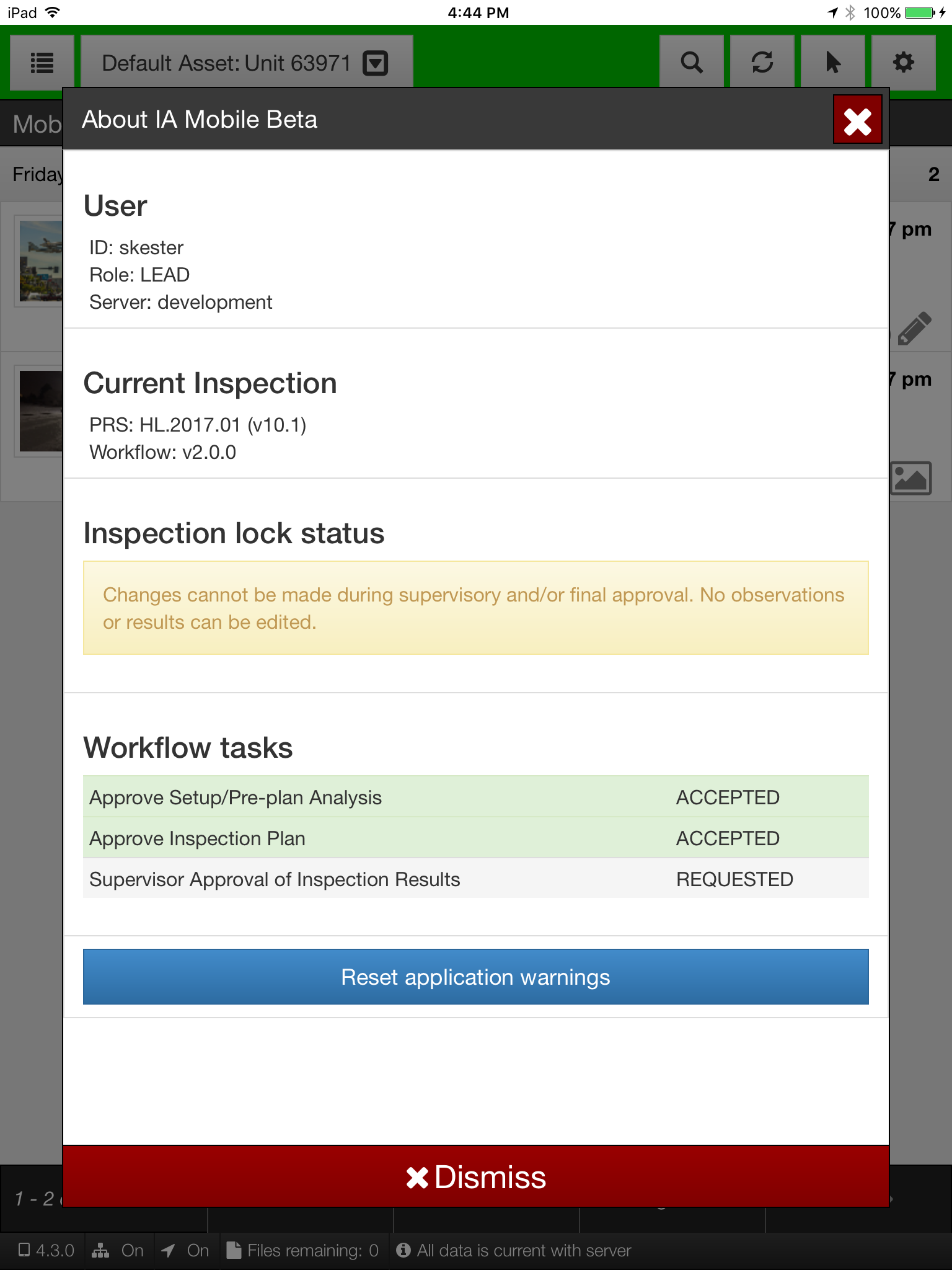
A new About page, available from the sidebar menu, will show you a reminder about why an inspection can’t be edited and the workflow tasks for that inspection.