


User Interface/Usability
- In the bottom left status bar, IA Desktop now specifies the number of files remaining to be uploaded to or downloaded from the server:

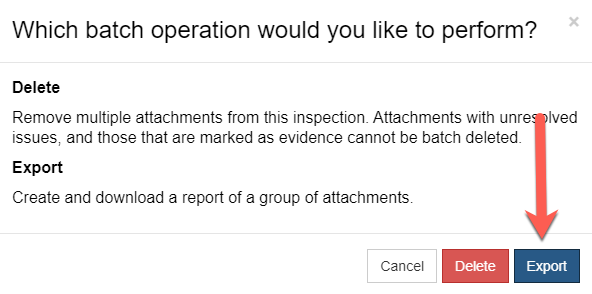
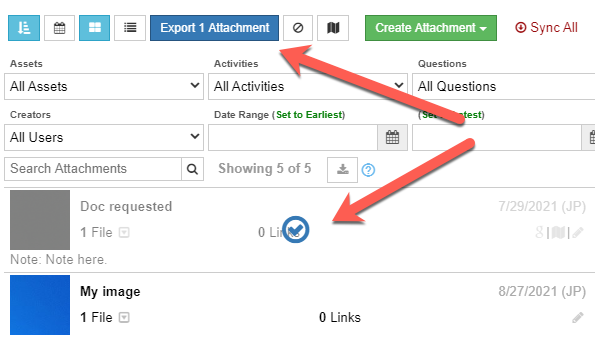
- Inspectors can use the new “batch select” button (which has replaced the “batch delete” button) on the attachment tab to select particular attachments to either be deleted or exported. When clicked, inspectors will be prompted to select “delete” or “export”. For example, if export is selected, desired attachments can be chosen to be exported, and the MS Word document that results from this export will notify that the export was generated from a custom selection of attachments:


- The “redundant result” warning has been updated to note that such a warning may not be unexpected during new construction inspections:

- Changes to improve PRS database integrity.
Small improvements
- The “Help/Tools” tab has updated instructions for installing IA Desktop and IA Mobile.
- Attachment panels for questions and results take up only the required amount of vertical space.
- GDIM and MMLPGIM forms have been retired as planned.