


User Interface/Usability
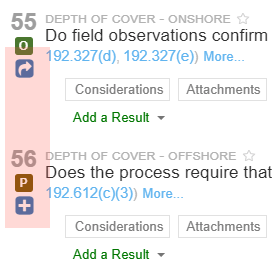
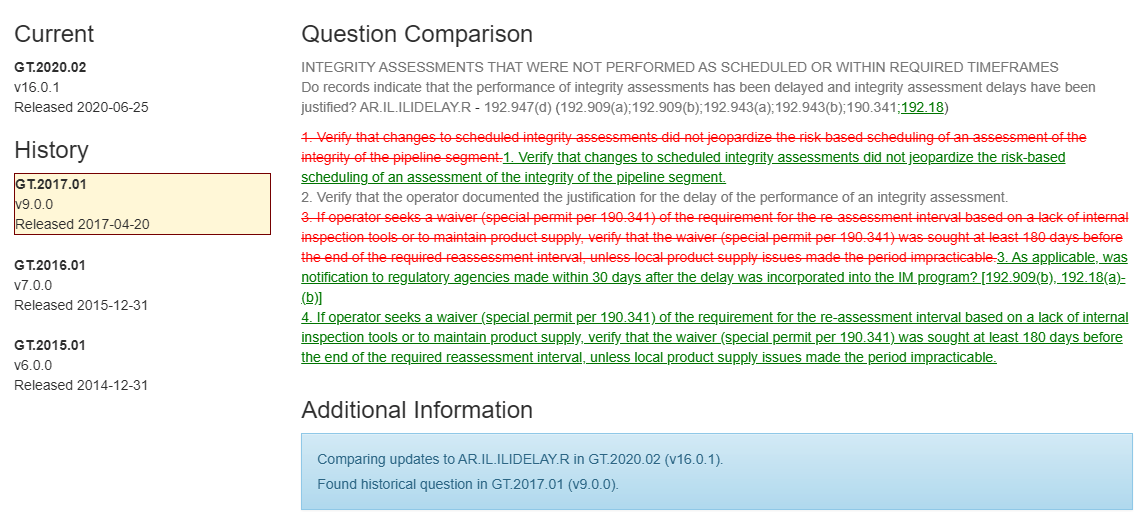
- Question change tracking feature: blue glyphs will appear to the left of questions on the Planning and Inspection tabs to denote that a question has been recently added or updated (a “plus” glyph for recently added questions and an “arrow” glyph for recently updated questions). Clicking on one of these glyphs will open a window that will show historical changes for that question (see detailed instructions here):
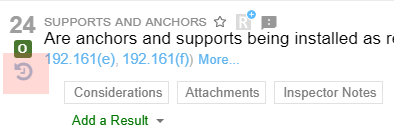
- Ability to view historical versions for all questions by clicking the small “clock” glyph to the left of questions on the Inspection tab:
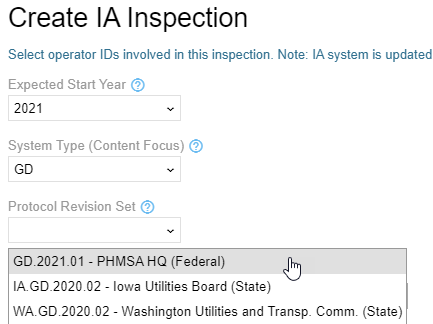
- The Protocol Revision Set selector on the Create Inspection screen now includes information about a PRS/question set’s organization to help ensure that the appropriate question set is selected upon inspection creation
- Attachment filters now show the number of attachments being displayed against the total number of attachments:

- Supervisor’s Report now offers “All Federal Regions” option for regulator and also has improved date handling (sorting etc) in IA Desktop and in Excel export
Small improvements and bug fixes
- Numerous small layout and performance improvements to the Attachments tab
- When the attachment map view is opened, clicking an attachment in the list will zoom to its location on the map
- Zoom-out on attachment map view limited to appropriate constraints