


Content
- None.
Application Features
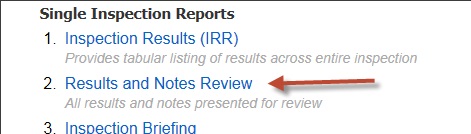
- New - Results and Notes Review report - this new report is geared toward users wishing to review all the result text and temporary inspection notes in an inspection. It displays text in wide format for easy reading.
 2. Improved plan warnings - multi-unit assets are a great help for procedures questions, but can also lead to undesirable planning situations. The new plan warnings automatically detect these situations and warn the user. The screencast shows how you can get into the warning situations and how to modify your plan to avoid them. 3. Remote report Inspection selection list is now full-featured , and mimics the function of the home-tab list and allows users to run the standard IA reports on any locked inspection. 4. User-entered question IDs are automatically turned into navigation links in workflow task comments, allowing commenters to target specific questions in their comments, and easy navigation to those questions by requesters.
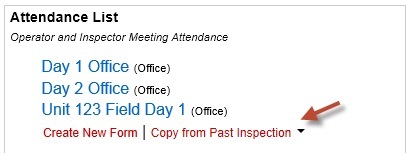
 5. Data forms can be copied from previous (linked) inspections.
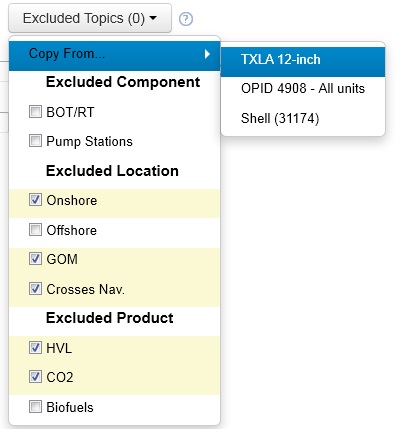
 6. Exclusion lists can be copied between assets.
Other Updates
- Task Templates are now auto-complete options on the “Custom Task” dialog, making it a clean one-click operation to arrive at the task creation dialog
- An info dialog appears on completion of any form that invokes an email
- Planning alerts extended to 2014
- IRR report was streamlined as a result of the Results and Notes review report’s taking some of the load
- Users can leave Task comments open, move to other tabs, and return to find them still open